₹0 to list your store
Create your pharmacy listing and digital presence for free.

For neighbourhood pharmacies & medical stores
Bring your medical store online and closer to nearby customers. Manage orders, customers, stock and suppliers in one connected Quick Care workspace.
Your local store. A modern digital storefront.
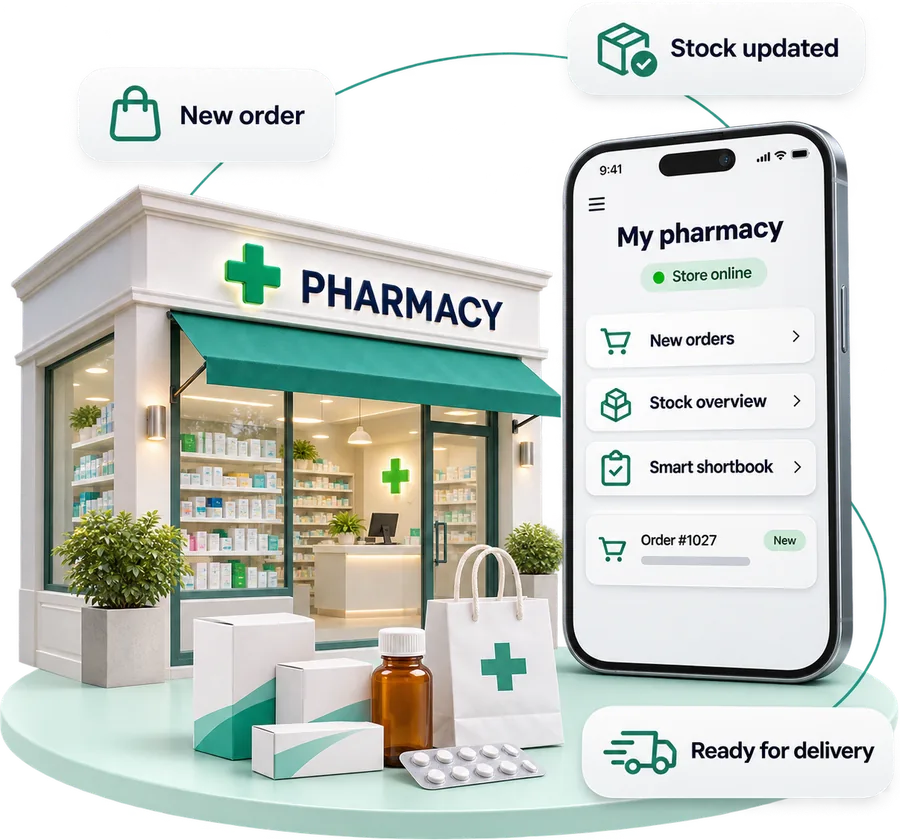
How it works
Create your pharmacy listing and digital presence for free.
Your catalogue, store details and customer orders in one place.
Review applicable revenue-linked transaction terms before activation.
Quick commerce, connected to your local store
Accept online requests while keeping your pharmacy team in control of availability, prescription review and fulfilment.
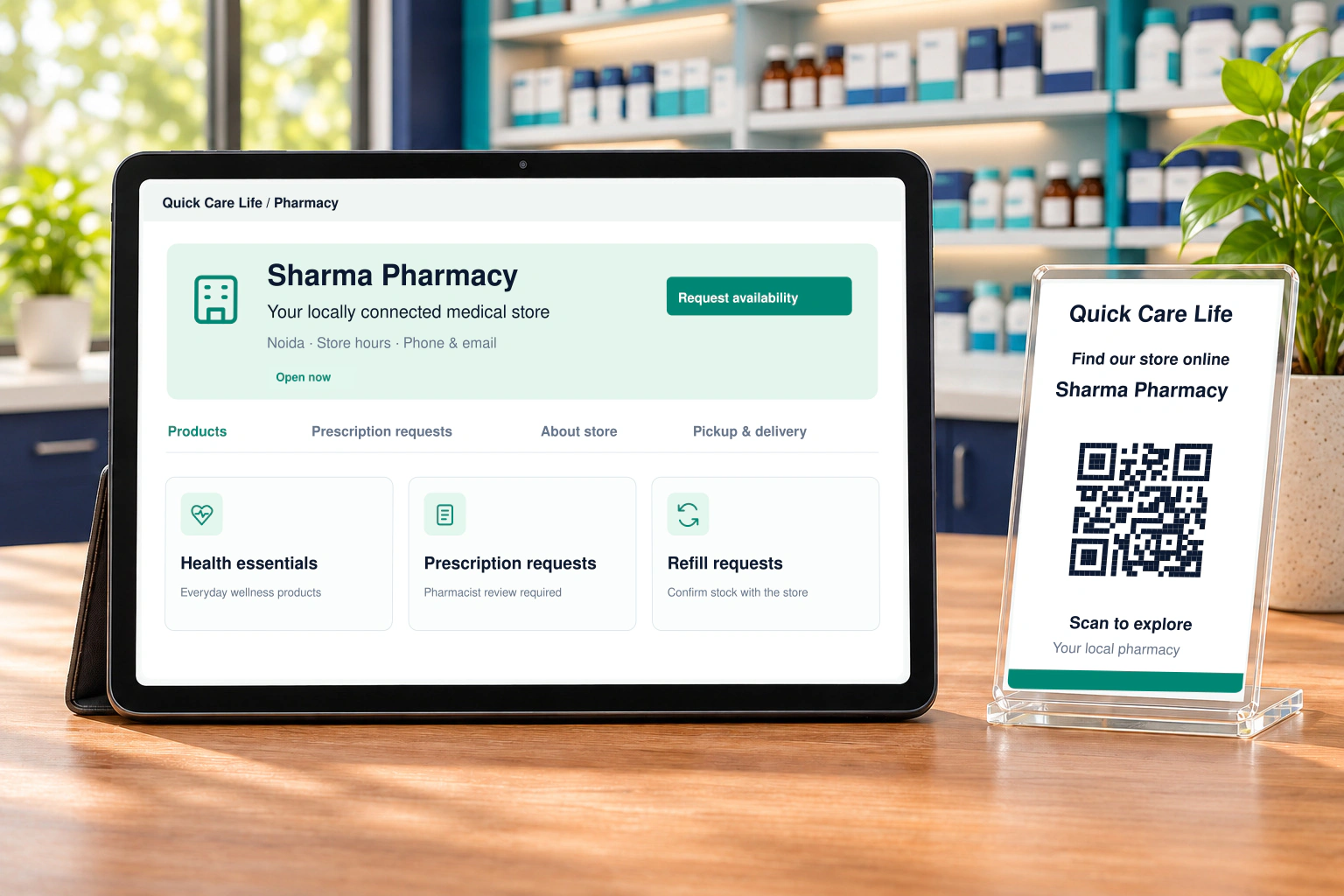
Your online store
Show your pharmacy's location, opening hours, phone, email, catalogue and fulfilment options. Give regulars and new local customers one shareable place to reach your store.
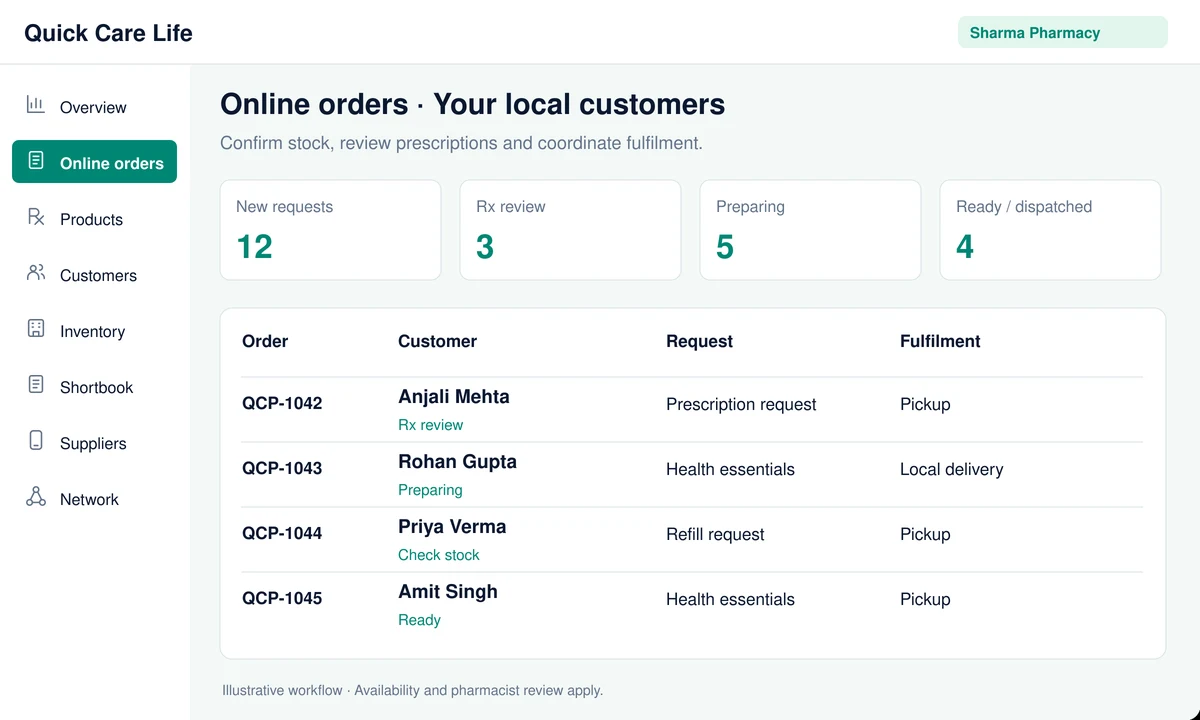
One connected pharmacy workspace
Bring online orders, customers and daily inventory work together, so your team knows what needs attention next.
Confirm stock, review prescriptions where needed and coordinate pickup or delivery.
The small book. The big daily difference.
Your system-managed shortbook brings low-stock and out-of-stock items into one purchase list. Choose a supplier, review quantities and prepare a quick order using their saved number or email.
| Include | Product | In stock | Order quantity |
|---|---|---|---|
| ORS sachets | 3Low stock | ||
| Digital thermometer | 0Out of stock |
2 products selected for CityMed Distributors
Your suppliers, inside your workflow
Add each supplier's name, phone number and email once. Keep supplier details with your shortbook and purchase context, so your next reorder is easier to prepare.
Find the supplier contact directly from the purchase workflow.
Prepare a clear item-and-quantity list for your supplier's order channel.
Keep shortages, requested quantities and supplier relationships connected.
Keep daily stock work in view
Manage medical-store inventory with product quantities, batch and expiry context, low-stock items and stock movements in one place.

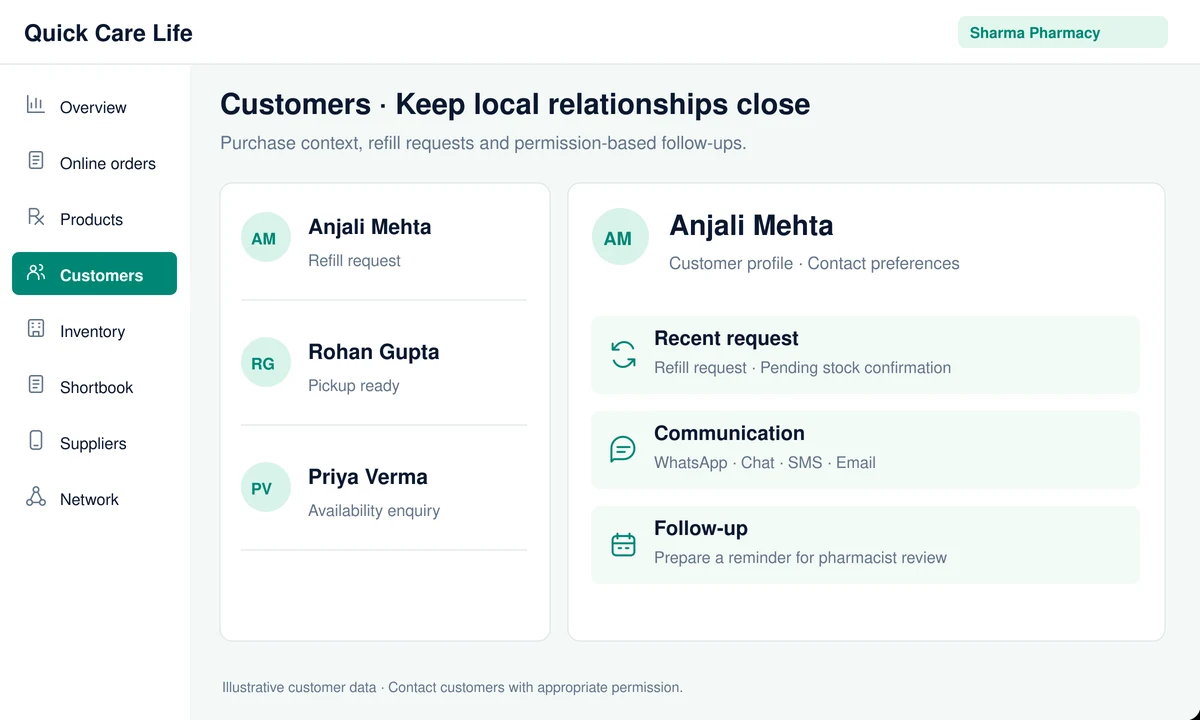
Customers are relationships, not just bills
Connect customer profiles, order context and refill requests. Keep communication clear with WhatsApp, chat, SMS and email workflows, using appropriate customer permissions.
Local stores. A stronger healthcare network.
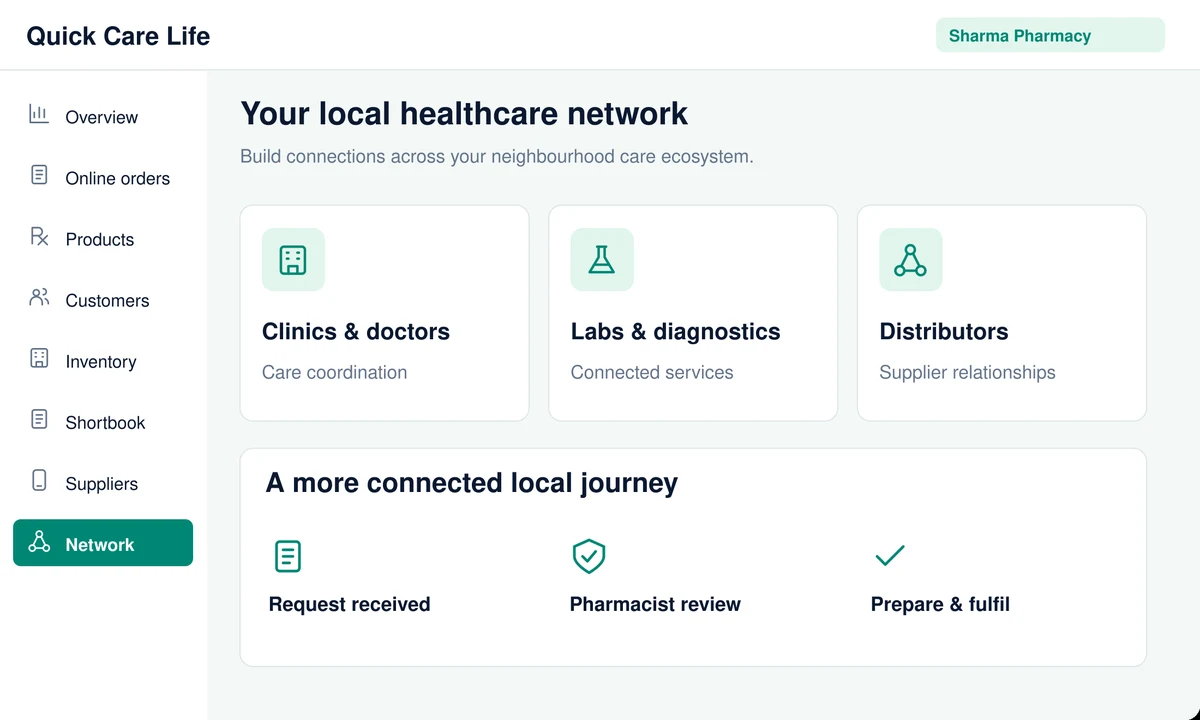
Connect with nearby clinics, doctors, laboratories and distributors. Coordinate the next step in care and service fulfilment with appropriate patient consent and pharmacist review.
From fulfilled request to clear business records
Keep billing, payment requests and order status close to the customer journey. Give your store team a clearer view of activity at the counter and online.
Health essentials · Store pickup
Customer, order and payment connected
Your 360° pharmacy workspace
You bring the trust of a local pharmacy

Bring your store online
List free. Set up your store. Connect with local customers.
Store verification and applicable service and transaction terms apply. Review fee terms before activating paid transactions.
Free · about 3 minutes
Already have an account?
FAQs
Everything store owners ask about Quick Care's pharmacy management software, from listing your medical store online and receiving orders to inventory, expiry, the shortbook and suppliers.
Quick Care is pharmacy management software and an online storefront for neighbourhood medical stores in India. It brings your store listing, local orders, customers, inventory, smart shortbook and suppliers into one workspace.
Yes. Create your pharmacy listing and digital storefront without a signup or subscription charge. Review applicable transaction and service terms before activating paid transactions.
Store listing and the digital storefront have no subscription barrier. Applicable platform fees are linked to revenue-generating transactions; review the fee and transaction terms before activation.
Your store name, your name and a mobile number, which you verify by OTP, then an email and password. You then add your store details and licence information, which are verified before your store goes live.
Customers can discover your store, browse your catalogue and send order or prescription requests. Your team confirms availability, reviews prescriptions where required and coordinates pickup or local delivery.
Customers attach their prescription to the request, and your pharmacist reviews it before the order is confirmed. The decision to dispense always stays with your pharmacist.
Yes. Show the fulfilment options and service area your store supports, confirm availability, complete pharmacist review where required, and coordinate pickup or local delivery.
The shortbook brings shortages and low-stock items into one purchase list automatically. Review quantities, group items by supplier and prepare a supplier order from their saved contact details.
Yes. Keep your own supplier directory with contact numbers, email addresses and purchase context, then prepare quick orders for each supplier straight from the shortbook.
Yes. Keep stock levels for every product with batch and expiry details, see low-stock and out-of-stock items, review batches close to expiry, and send low-stock items to your shortbook.
Yes. Customers can send refill requests to your store, and your team sees them with the customer's profile and past orders, ready to confirm stock and follow up.
Keep customer profiles with order context, and follow up by WhatsApp, chat, SMS and email with the customer's permission. You can also run offers to bring customers back.
Use the local network to connect with nearby clinics, doctors, laboratories and distributors and coordinate the next step in care, with appropriate patient consent and pharmacist review.
Yes. Add each store location with its own details, and view orders, inventory and the shortbook by location.
Have another question? Talk to our team