₹0 to get started
Create your operator account and list your ambulances for free.

For ambulance agencies, fleet operators & ambulance owners
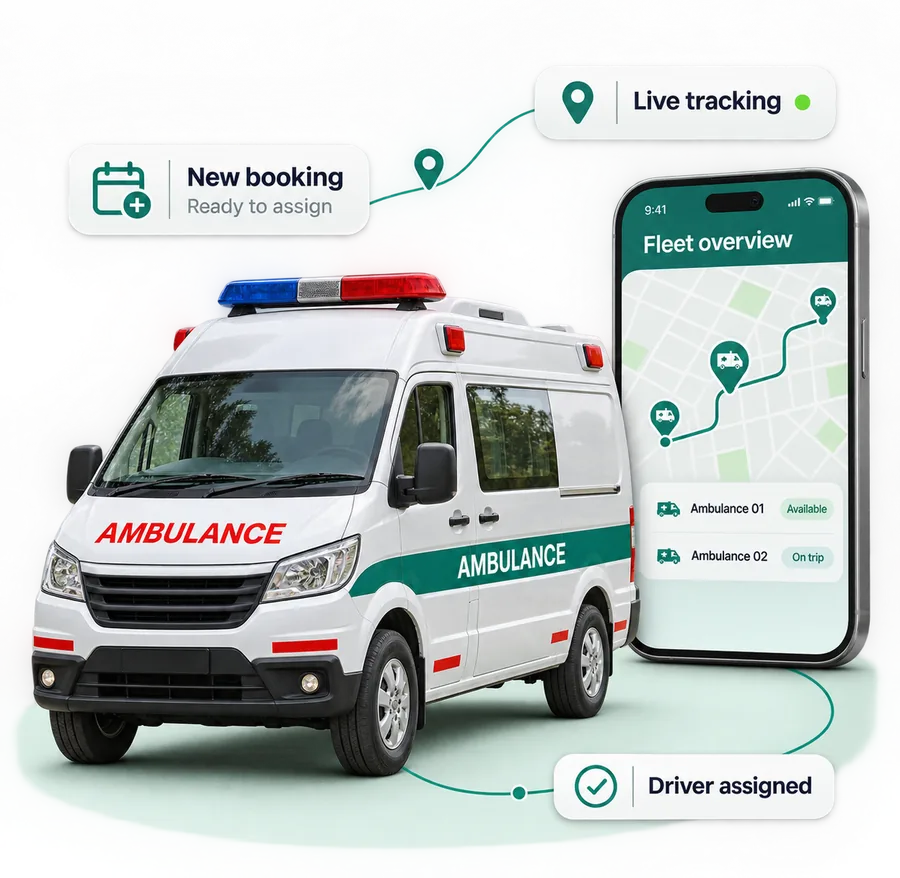
Take emergency and scheduled bookings, dispatch the nearest free ambulance, track every trip live and manage drivers, vehicles and earnings in one operator workspace.
No signup fee. No subscription barrier.
How it works
Create your operator account and list your ambulances for free.
Add every vehicle, driver and base location you run.
Review applicable revenue-linked transaction terms before activation.
Be found when every minute counts
List your ambulance types, coverage areas, base locations and fares. Patients, families, clinics and hospitals book your ambulances on Quick Care, and the request lands straight in your dispatch queue.
3 base locations · 9 ambulances · ICU-on-wheels on request
Example values only · Your agency defines vehicles, areas and fares.
Built for how an ambulance service runs
Replace phone notebooks, WhatsApp groups and manual driver calls with one connected ambulance management system. Dispatchers, drivers and owners each see what they need.
Emergency calls, app bookings and scheduled transfers in one queue.
Match the vehicle type and the nearest free crew to each call.
See where each ambulance is and share the ETA with the family.
Keep vehicles, equipment and documents ready for the next call.
Drivers accept requests, navigate and update the trip from their phone.
Keep fares, payments and partner accounts connected to each trip.
A trip that stays connected
Explore the ambulance operator workspace
Keep the dispatch queue, vehicle readiness, crew duty and trip payments in one place, so the next call goes to the right ambulance.
Emergency, app and scheduled bookings with pickup, destination and the vehicle type needed.
| Booking | Pickup | Destination | Type | Status |
|---|---|---|---|---|
| AMB-3107 | Sector 12, Noida | City Hospital | ALS | En route |
| AMB-3108 | Lajpat Nagar | Apollo Hospital | BLS | At pickup |
| AMB-3109 | Home, Saket | Dialysis centre | Transport | Scheduled 10:30 |
| AMB-3110 | Dwarka Sector 6 | — | BLS | Awaiting driver |
Live trips, from request to handover
Assign the nearest free crew, follow the ambulance on the map, share the live ETA with the family and close each trip with its distance, fare and receipt.
The ambulance is on its way. The family sees the live location and the ETA.
Click a stage to preview its workflow. This demo does not dispatch an ambulance or notify anyone.
Your drivers get their own app
Drivers sign in to the Quick Care driver app, go on duty, accept incoming requests, follow the trip steps and see their trip history. Your dispatch console updates as they go.
Example values only · Fictional patient and trip.
Trust families can feel
Keep your documents, crews and trip records in order, so patients and hospitals know what to expect when they book you.
Registration, permit, fitness and insurance papers with renewal dates.
Driver licences and attendant training on file before they go on duty.
Families follow the ambulance until it reaches them.
Patients rate each trip, so good service earns more bookings.
Connect trips with the business side
Calculate the fare from distance, ambulance type and extras, collect it online or in cash, and keep monthly statements for hospitals, clinics and corporate accounts.
Example values only · Your agency defines fares and payment terms.
A stronger network around your fleet
Connect with the hospitals, clinics and companies that need ambulances every week, and with Quick Care's emergency response team.
Take inter-facility transfers, discharges and scheduled visits from providers on Quick Care.
Provide standby ambulances for factories, offices, sports and public events.
Receive requests routed by Quick Care's emergency operators to the nearest available fleet.
Let more people find your service
Build your digital presence, earn reviews and stay visible to the families, clinics and hospitals searching for an ambulance near them.
Show your ambulance types, coverage areas, fares and availability on Quick Care.
Every completed trip can earn a review that the next family sees.
Draft first-aid and safety posts with AI, review them and auto-publish to connected social accounts.
Health content needs review; connected-account permissions are required for publishing.
Your 360° ambulance operator workspace
Your crews. Your vehicles. Your service.
Start your next chapter
Join free. List your ambulances. Bring your crews onto one console.
Review applicable revenue-linked fees and service and transaction terms before activating paid trips.
Free · about 3 minutes
Already have an account?
FAQs
Everything ambulance owners ask about Quick Care's ambulance management software, from bookings and dispatch to live tracking, the driver app, fleet documents and payments.
Quick Care is ambulance management software for agencies, fleet operators and ambulance owners in India. It brings bookings, dispatch, live trip tracking, a driver app, fleet documents and payments into one operator workspace.
Yes. Create your Quick Care operator account and list your ambulances without a signup fee or subscription barrier. Applicable platform fees are linked to revenue-generating trips; review commercial terms before activation.
Ambulance agencies, hospital and private fleet operators, and individual ambulance owners. Add as many vehicles, drivers and base locations as you run.
Your agency details, an office address, your email and mobile number, identity and business documents, and bank details for payouts. You then add your ambulances, their documents and your drivers.
Patients, families, clinics and hospitals book an ambulance on the Quick Care app or website. The request lands in your dispatch queue with pickup, destination and the ambulance type needed.
Yes. Handle emergency calls alongside scheduled trips such as hospital discharges, dialysis visits and inter-facility transfers, all in the same queue.
Basic Life Support (BLS), Advanced Life Support (ALS) with ventilator and monitor, patient transport vehicles and other types you operate, each with its own equipment and fares.
Your dispatcher sees each request with its location and picks the nearest free ambulance and crew. The driver receives the request in the driver app and accepts it.
Yes. Drivers sign in to the driver app, go on duty, accept incoming requests, follow the trip steps with navigation and see their trip history.
The ambulance's live location and ETA are shared with the patient's family from assignment until pickup, and the trip is tracked to the hospital.
Set fares by ambulance type, distance and extras such as oxygen. Collect payment online by UPI, card or payment link, or in cash, with a receipt for every trip and monthly statements for partner accounts.
Yes. Hospitals and clinics on Quick Care can request ambulances for transfers, discharges and scheduled visits, and you can keep statements for those accounts.
Store registration, permit, fitness and insurance papers for each ambulance and licences for each driver, with renewal dates in view so nothing lapses.
Yes. Add each base or office with its coverage area, place ambulances and drivers at each base, and see the whole fleet from one console.
Have another question? Talk to our team